Opis
Advanced Addons extends the WordPress Block Editor and Elementor with animation controls, custom CSS, and an optional AI-assisted layout builder.
Key features include:
- AI Builder for generating and editing layouts (WordPress 7.0+)
- Tailwind block for WordPress block editor
- Add custom CSS to blocks and Elementor widgets
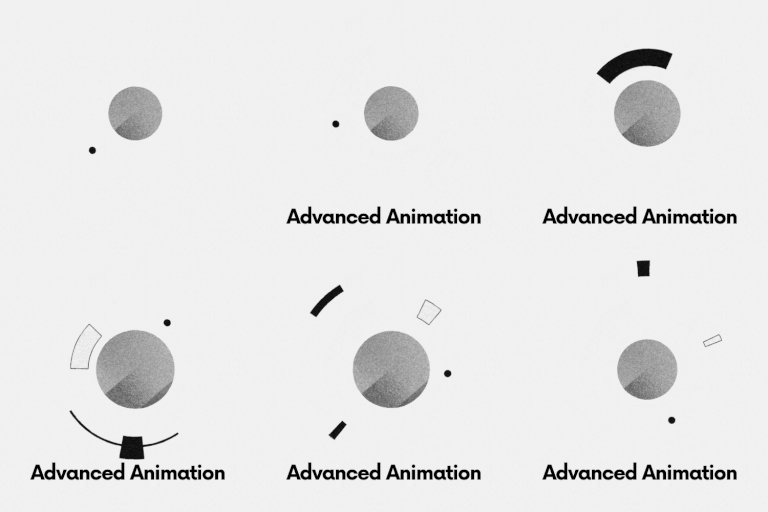
- Advanced animation controls for blocks and elementor
Animation and custom CSS work on WordPress 6.5 and later. AI features only load when the site runs WordPress 7.0 or newer.
WordPress version requirements
- WordPress 6.5+ — animation controls and custom CSS (core plugin features)
- WordPress 7.0+ — required to use AI Builder features (WordPress AI Client / Connectors, AI chat in the editors, Unsplash search via AI tools, Tailwind HTML AI block workflow)
If your site is on WordPress 6.5–6.9, the plugin still works for animation and custom CSS; AI Builder UI and APIs stay disabled until you upgrade to WordPress 7.0+.
Third-party services
This plugin can optionally connect to external services. No calls are made until you configure credentials and use the related AI features (WordPress 7.0+).
- WordPress AI providers — configured via WordPress Connectors / AI Client. Your prompts and page context may be sent to the provider you select. Review each provider’s privacy policy and terms before use.
- Unsplash API — optional stock photo search. Requires an Unsplash access key from https://unsplash.com/oauth/applications. Searches are sent to
api.unsplash.com. See Unsplash API Guidelines and Terms: https://unsplash.com/api/terms
API keys are stored in WordPress options (or via constants/environment variables) and are never sent to Advanced Addons servers.
Features
AI Builder (WordPress 7.0+)
Generate and edit page sections with AI in the block editor and Elementor when WordPress AI Client / connectors are available.
Animation Controls
Add animations to blocks and widgets using visual settings, including:
- Transform animations (translate, rotate, scale)
- Scroll-based effects
- Custom animation properties
Custom CSS
Extend styling without editing theme files:
- Add custom CSS directly in the block editor
- Add custom CSS to Elementor widgets without Elementor Property
Editor Integration
Built to integrate with:
- WordPress Block Editor
- Elementor editor
Zrzuty ekranu


Instalacja
- Upload the plugin folder to the
/wp-content/plugins/directory, or install the zip via Plugins Add New Upload Plugin. - Activate the plugin through the 'Plugins’ menu in WordPress.
- Open the block editor or Elementor and configure animation or custom CSS settings.
- (Optional, WordPress 7.0+) Configure AI connectors and an Unsplash API key to use AI Builder features.
Najczęściej zadawane pytania
-
Why is this plugin needed for HTML to Elementor workflows?
-
This plugin provides custom CSS similar to Elementor Pro. It is only needed if you use Elementor Free without Elementor Pro.
-
Why is this plugin needed for HTML to WordPress workflows?
-
This plugin provides custom CSS for the block editor used by those workflows.
-
Do I need WordPress 7.0?
-
No. Animation and custom CSS require WordPress 6.5+. To use AI Builder features you need WordPress 7.0 or later.
Recenzje


Kontrybutorzy i deweloperzy
„AI website builder for the block editor and Elementor – Advanced Addons” jest oprogramowaniem open source. Poniższe osoby miały wkład w rozwój wtyczki.
Zaangażowani
Interesuje cię rozwój wtyczki?
Przeglądaj kod, sprawdź repozytorium SVN lub czytaj dziennik rozwoju przez RSS.
Rejestr zmian
4.0.0
- Requires WordPress 6.5+ for animation and custom CSS
- AI Builder loads only on WordPress 7.0+; documented in readme
- Security: per-post capability checks, CSS sanitization, tighter REST tool whitelist
- Requires PHP 7.4+
- Document AI / Unsplash third-party services in readme
- Remove activation redirect to promo page
- Align text domain to advanced-addons; Unsplash download tracking on image use
3.0.2
- Security and packaging hardening for WordPress.org readiness
3.0.0
- Improved animation system
- Add custom css for block editor
- Add custom css for elementor
1.0.0
- Initial release